Skip to product information


Nodelink NX1 – Home Bandwidth Node
Sale price
$389.95 AUD
Regular price
$439.95 AUD
Turn Your Idle Internet Into a Passive Income Stream
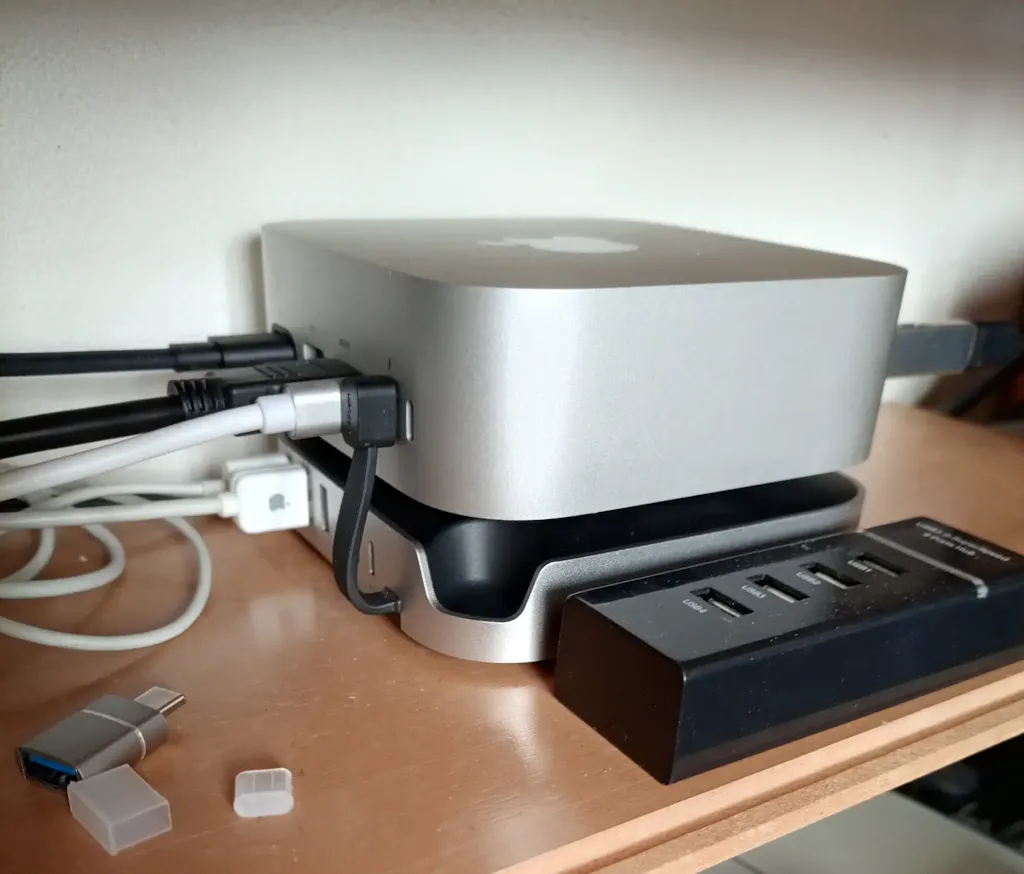
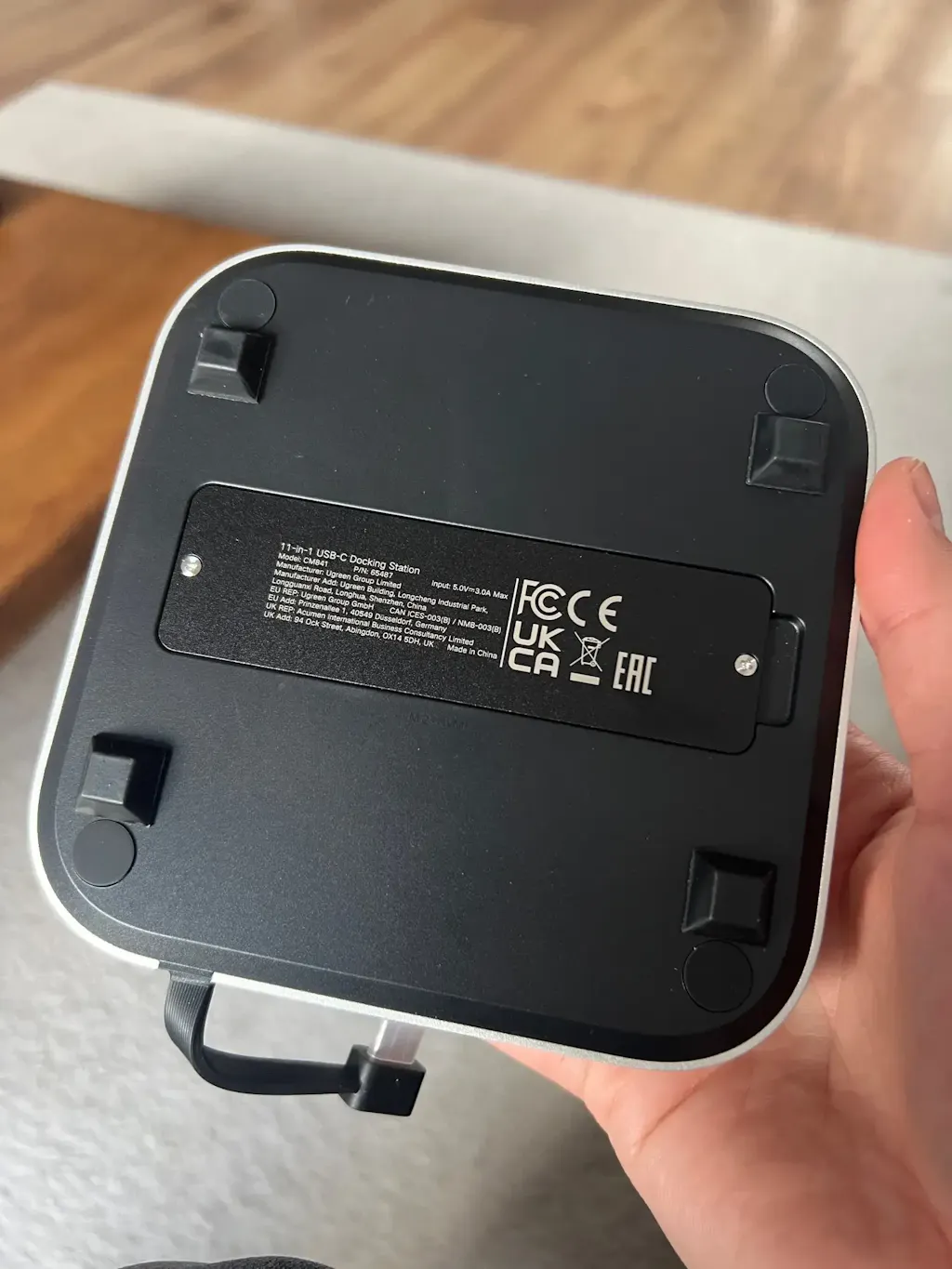
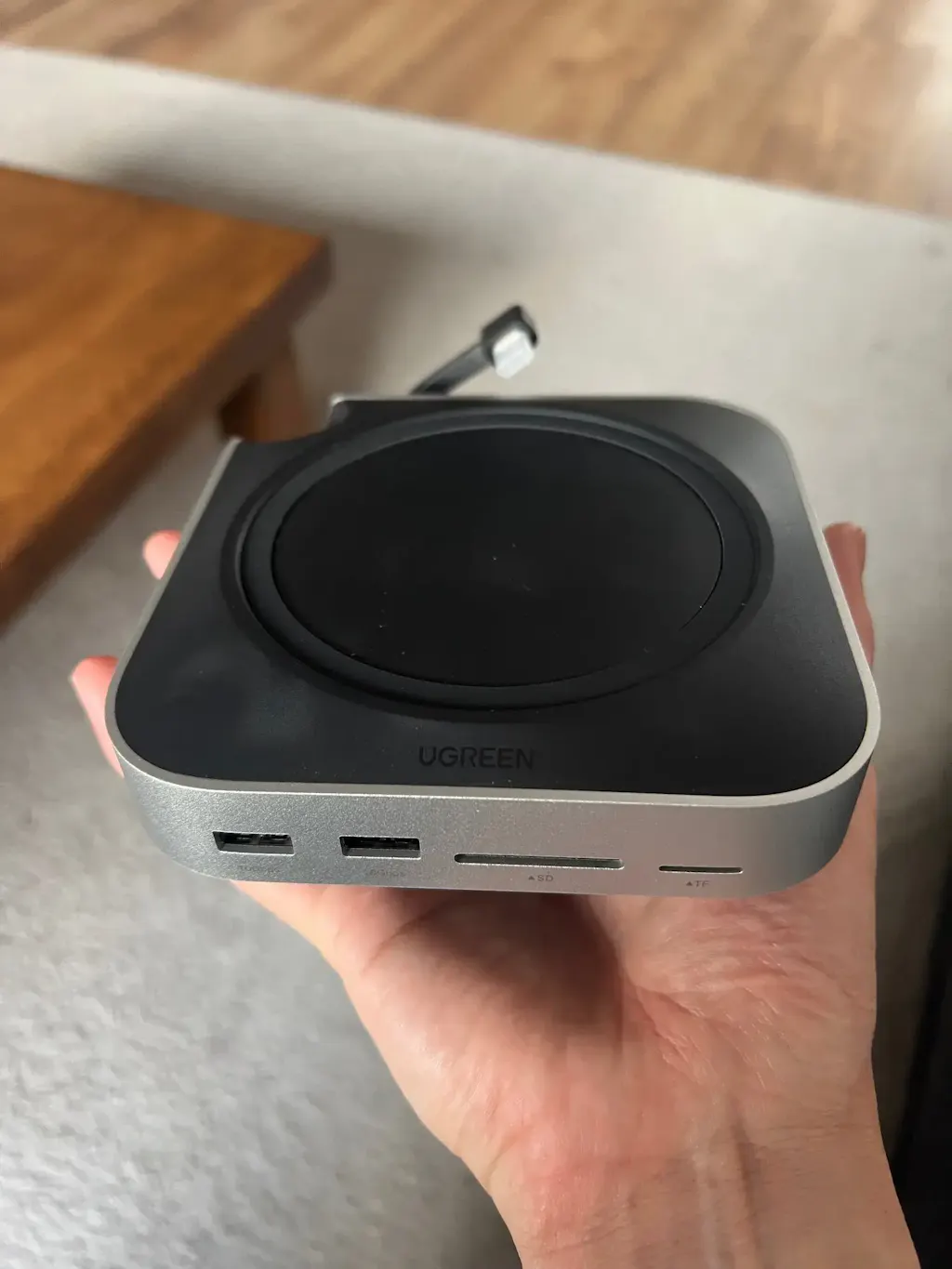
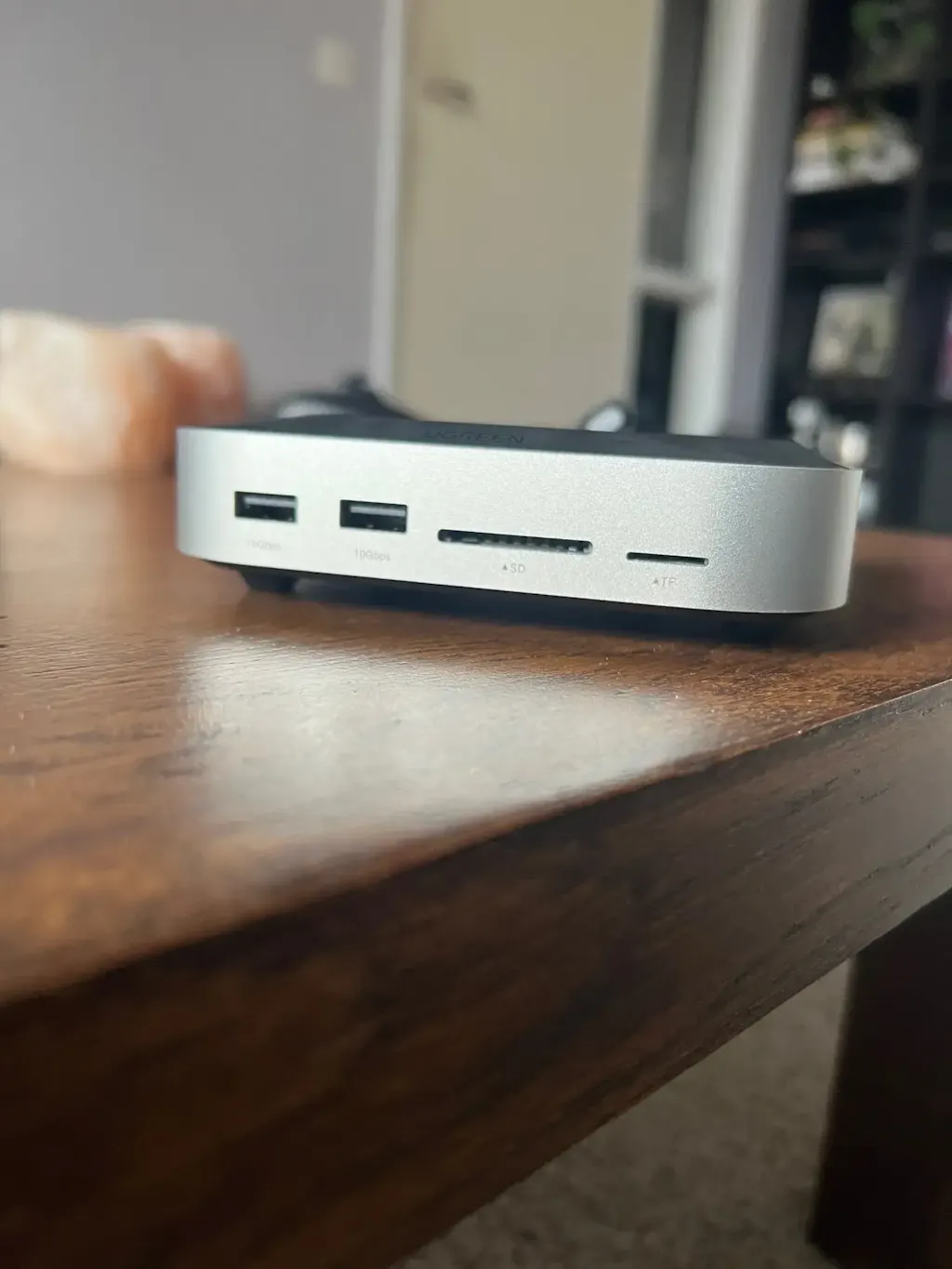
The Nodelink NX1 is a compact home node device that connects your unused internet bandwidth to a global decentralised network — powering secure connectivity, privacy tools, data processing, and distributed AI computing worldwide.
Simply plug it in, connect to your router, and let the NX1 do the rest. In return, you earn network rewards and tokens for every hour your node contributes to the network.
Why the Nodelink NX1?
- Passive earnings — monetise bandwidth you're already paying for
- Decentralised infrastructure — no single point of failure, no big-tech dependency
- Privacy-first — supports secure, distributed connectivity tools
- Always-on, low power — designed to run 24/7 without impacting your daily internet use
- Easy setup — plug in, connect, and start contributing in minutes
What Does the Network Power?
- Secure VPN-style connectivity
- Privacy and anonymisation tools
- Distributed data processing
- AI and edge computing applications
Compare the Cost of Traditional VPNs
Instead of paying for a VPN, the NX1 lets you earn while providing the same kind of decentralised, secure network infrastructure:
- Budget VPN: $60–$90 AUD/year
- Mid-tier VPN: $100–$140 AUD/year
- Premium VPN: $160–$480 AUD/year
With the Nodelink NX1, your home becomes part of the solution — and you get rewarded for it.